Your creator profile. Your place to grow.
Build your media kit, customize your storefront, and manage brand collaborations. Keep campaign tasks, sharing links, and earnings together in your creator portal.
No brand invite needed to register. Brand partnerships are subject to approval.
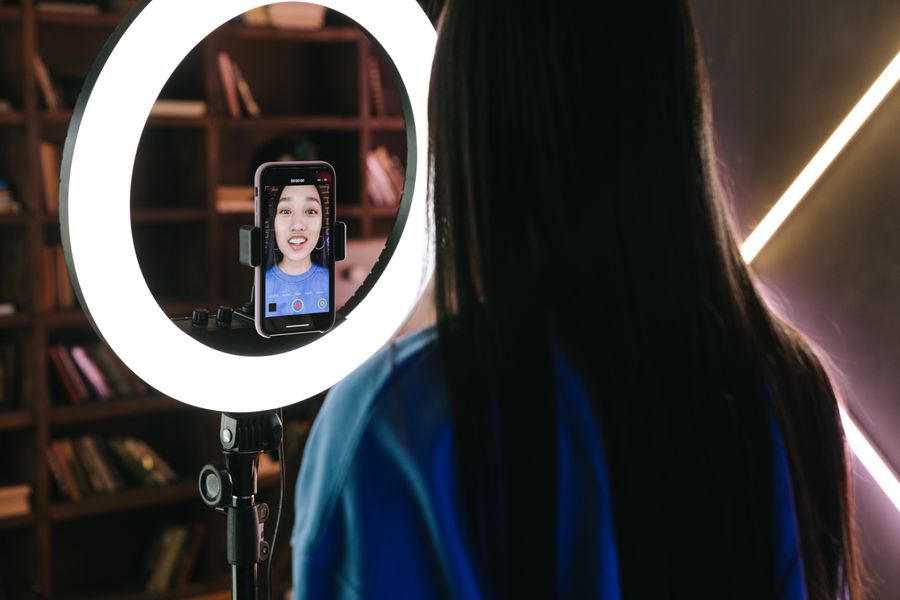
Your creator workspace
How it works
Get your creator workspace ready in five steps.
Create your profile
Register, add your details, and connect supported social accounts. No brand invitation is needed to get started.
Build your media kit
Bring your bio, social profiles, and work together in a media kit you can share with brands.
Customize your storefront
Create a place for your content and product picks from the brands you work with, then review and publish it.
Explore brand opportunities
Explore available brands and apply to programs that fit. Each brand decides who joins and sets its campaign terms.
Share and track your earnings
Use your campaign links and codes, review attributed sales, and follow commission and payout status under each brand’s terms.
A workspace for your brand collaborations.
Keep your profile, content, brand relationships, and earnings in a workspace built around your day-to-day work.
Your media kit and storefront
Introduce yourself to brands with your media kit and share product picks through your storefront.
Your collaborations together
Manage the brands you work with from your creator account, with tasks and earnings for each relationship.
Understand your earnings
Review attributed sales, commissions, and payout status in your portal.
Keep payout details ready
Set up an available payout method for each brand. Methods and timing depend on the brand and its payment providers.
Creator questions
No. You can register and build your profile and media kit without an invitation. You can then explore available brand opportunities; each brand controls approval and participation terms.
No. Your profile and media kit help you introduce your work. Brands decide which creators to accept, and earnings depend on your partnership terms and eligible activity.
Add your bio, social links, content, and product picks from brands you work with. Customize the page in the editor and follow any applicable brand review requirements before publishing.
Your media kit introduces your profile and work to brands. Your storefront gives your audience a place to explore your content and shop product picks from your brand collaborations.
Set up an available payout method for each brand you work with. Payment depends on eligible commissions, hold periods, brand approvals, and payout settings. You can follow earnings and payout status in your portal.
Make room for your next collaboration.
Create your profile and media kit, then explore the creator workspace.